Yumade
Practical guide | How to create on Canva without being a graphic designer
Practical guide | How to create on Canva without being a graphic designer
Created by EasyFlow Product Options
Couldn't load pickup availability
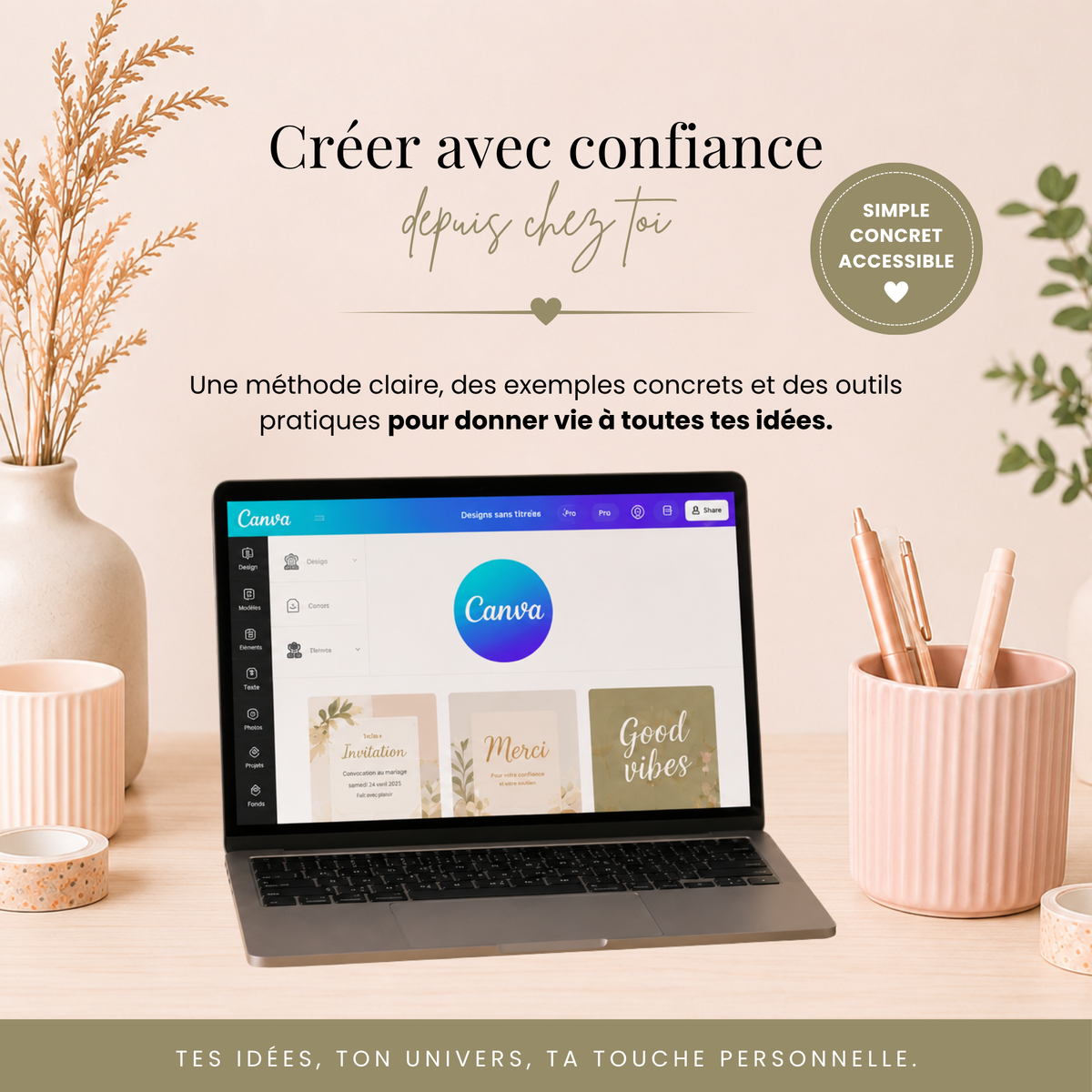
The complete and practical beginner's guide to Canva, to learn how to create harmonious and professional visuals, even without being a graphic designer.
✨ Learn how to use Canva methodically with this practical guide designed for beginners, creators, and future entrepreneurs.
This digital guide will accompany you step by step, from getting started with Canva to completing a full project. You will learn how to organize your workspace, customize templates, choose your colors and fonts, create your stationery, build a coherent visual universe, and correctly export your creations.
✨ What you will learn
This practical guide was designed to help you create on Canva with more method, confidence, and autonomy, even if you are starting from scratch.
You progress at your own pace thanks to:
- clear and illustrated explanations to get started with Canva;
- simple rules for creating harmonious designs;
- concrete tips for customizing your materials;
- a progressive method to save time and avoid mistakes;
- exercises, checklists, and video tutorials to immediately put into practice.
📦 What the practical guide includes
✔️ 79-page illustrated digital guide
✔️ 13 step-by-step video tutorials
✔️ 4 targeted tutorials: invitation, menu, place card, and sharing/downloading
✔️ 1 complete guided project in 9 steps
✔️ Practical annex "Canva Shortcuts" for Windows and Mac
✔️ Bonus PDF "20 Canva tips to absolutely try"
✔️ Exercises, resources, and checklists
✔️ Immediate and lifetime access after purchase
🖥️ Compatible with Canva Free & Canva Pro
The vast majority of the lessons and creations presented in the guide can be done with Canva Free. When certain functions depend on Canva Pro, they are clearly identified.
💡 Who is this practical guide for?
This guide is ideal if you wish to:
- discover Canva without getting lost in the interface;
- create beautiful visuals for your personal or professional projects;
- personalize invitations, menus, place cards, and other event materials;
- improve the balance, colors, and fonts of your creations;
- save time through effective organization and shortcuts;
- develop a creative activity with solid foundations.
💻 Digital format
100% digital product.
No physical product will be sent.
Immediate and lifetime access after purchase.
📌 Important information
- 100% digital product
- Free Canva account or Canva Pro required to complete the exercises
- Personal access only
- Resale, reproduction, or sharing prohibited
- No refund after accessing digital content
Partager